OpenAI's Visual Revolution: GPT Image 2 Web Workflow Redefines AI Art
AI 测评室
April 23, 2026
With the stunning release of OpenAI's all-new visual model, GPT Image 2, combined with its dedicated Web Workflow platform (gpt-image-2.live), we've explored five killer practical use cases.
With the stunning release of OpenAI's all-new visual model, GPT Image 2, the AI art generation landscape has experienced yet another paradigm shift. If you previously thought AI could only generate "close-up portraits" or highly flawed complex scenes, this new model will completely upend your expectations.
Even more exciting is that the GPT Image 2 Web Workflow (gpt-image-2.live) platform, built specifically for everyday creators and teams, was the first to integrate this model. By combining the strengths of both, we've explored five "killer" practical use cases.
*(Experience it at the official website: https://gpt-image-2.live/)*
Use Case 1: Pixel-Perfect Live Stream UI Recreation
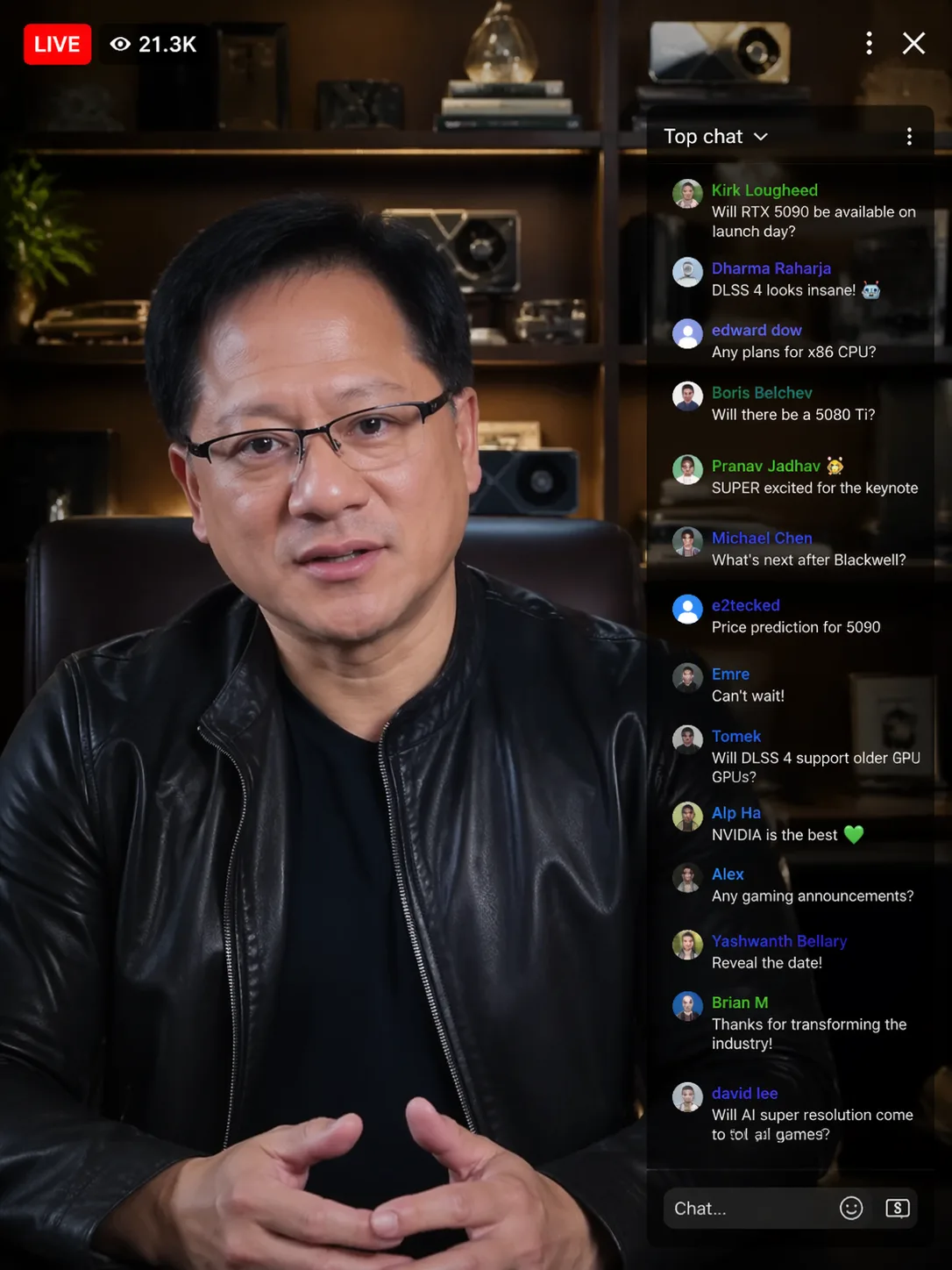
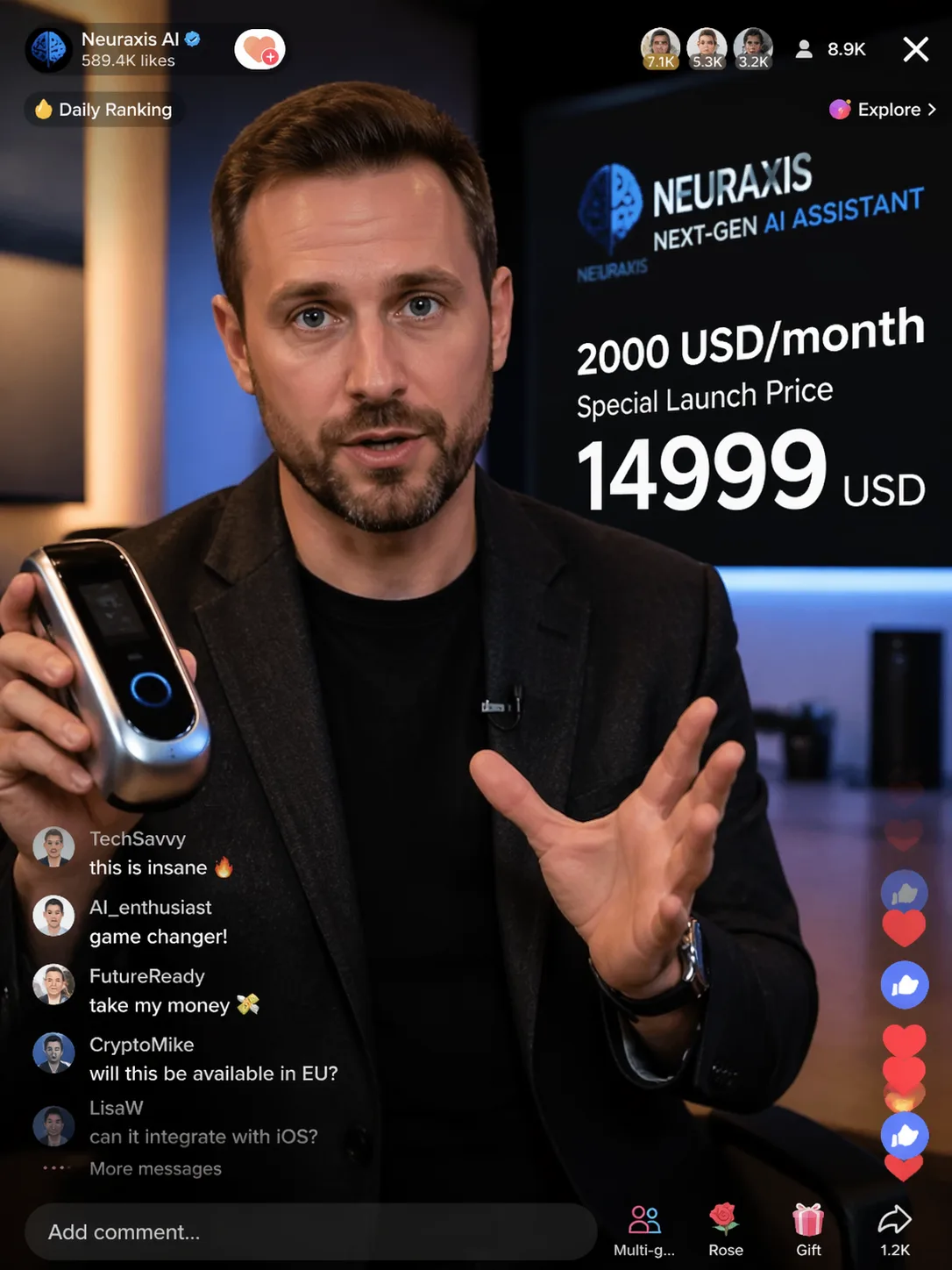
In the past, AI often struggled when dealing with images containing multiple layers of text and complex UI layouts. Now, thanks to GPT Image 2's powerful Typography Reliability, with just a single prompt on the web platform, you can have tech titans selling products in your very own "live stream."
For instance, we can have a tech CEO promote a $14,999 high-tech product. From the broadcaster info and stream duration in the top-left corner, to the scrolling chat ("$2,000 a month is insane"), and the product purchase card at the bottom—every UI detail is recreated with pixel-perfect accuracy, and the text semantics are completely natural.
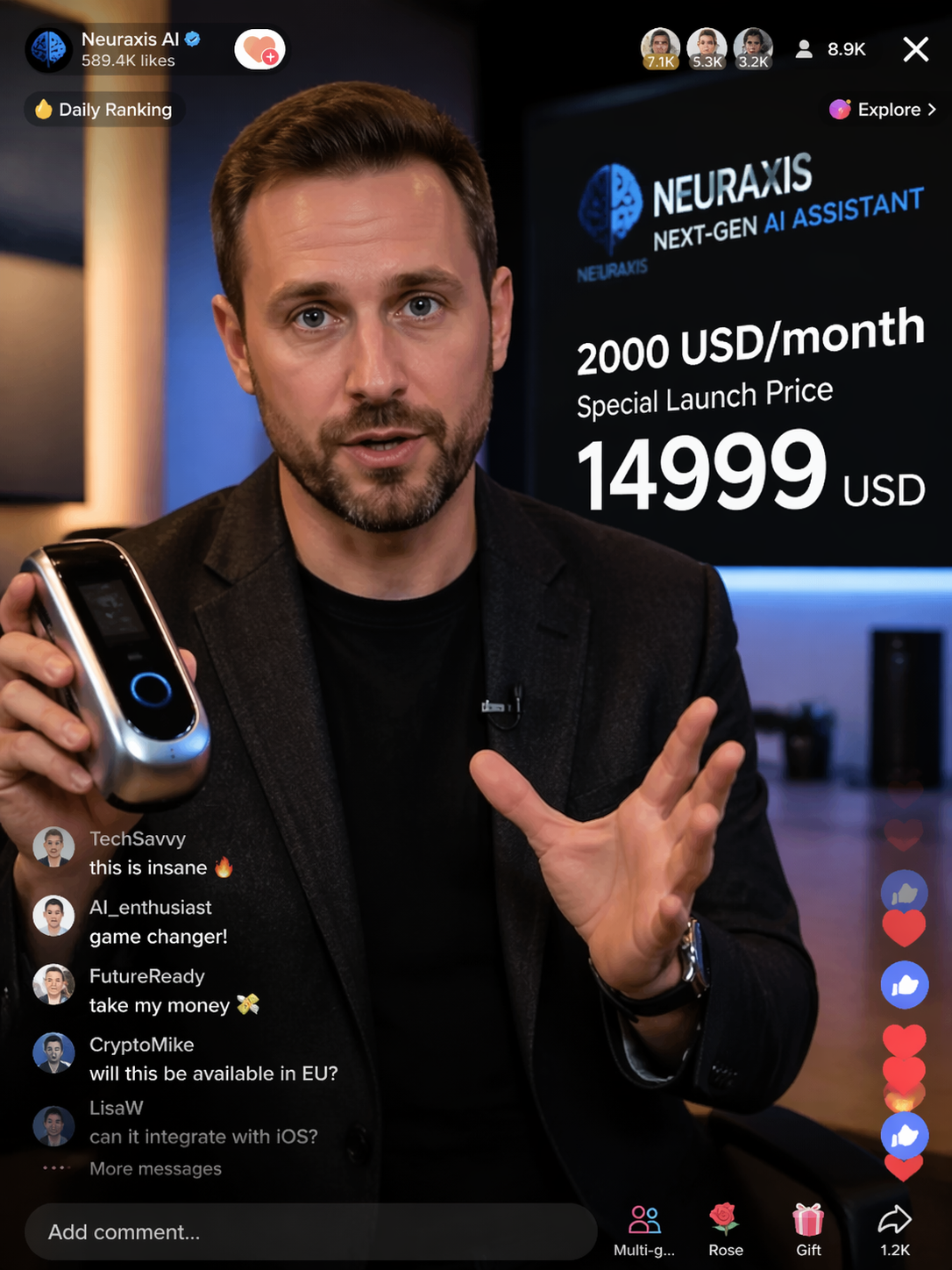
Furthermore, using the Web Workflow's "Prompt Enhancement Tools," you can distill this successful generation into a reusable Preset. Subsequently, whether you want to switch the broadcaster or the product, you can seamlessly switch scenarios with a single click while maintaining extreme UI layout stability.
Use Case 2: Instant High-End Magazine Covers
When selecting the generation mode in the gpt-image-2.live platform, complex magazine layout requirements are handled with ease.
By inputting a prompt that includes detailed layout instructions such as the masthead, issue number, barcode, and main/sub-titles, a highly textured magazine cover is instantly brought to life.
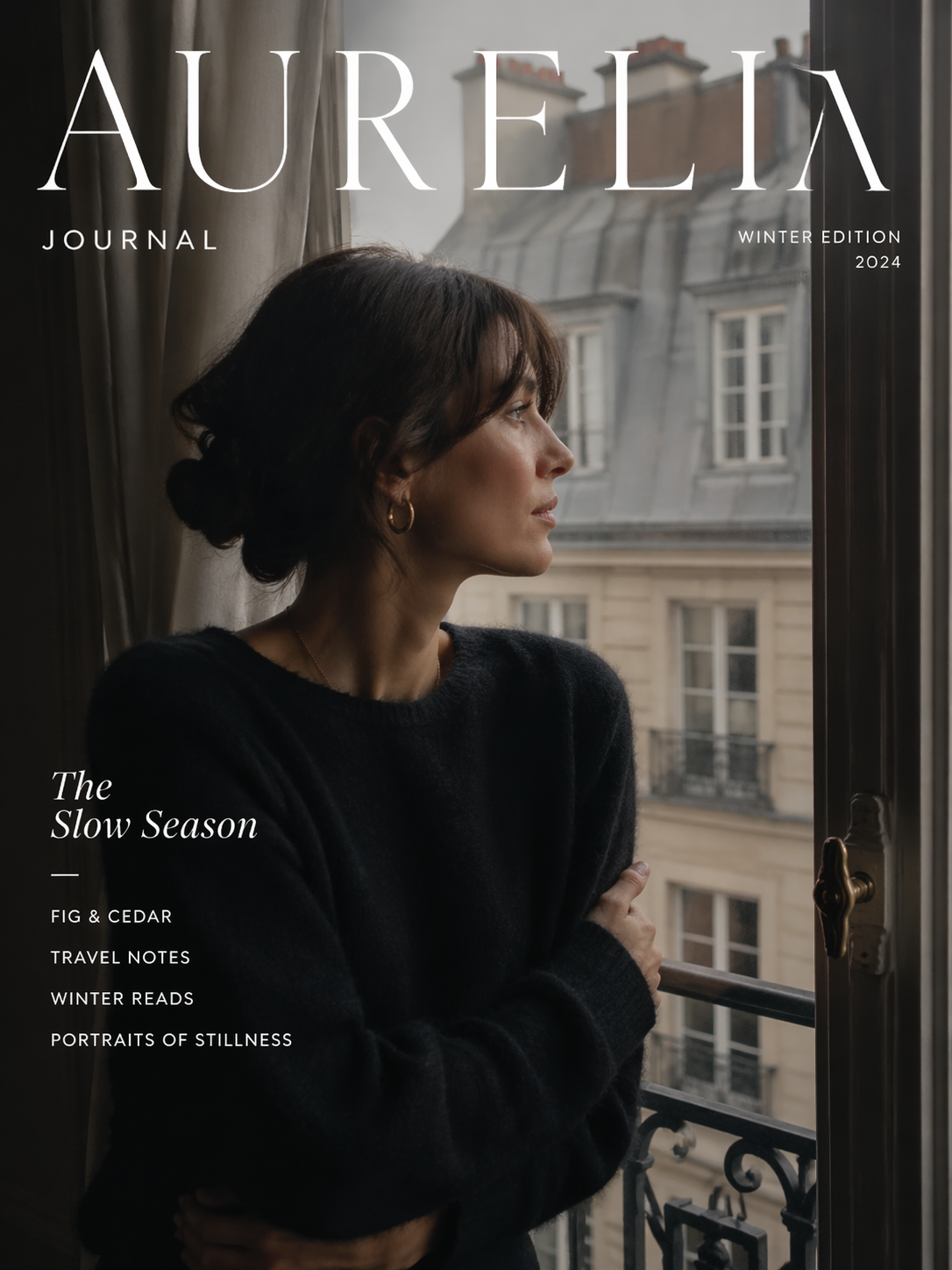
Even more impressively, the platform features an incredibly powerful Editing workflow. For layouts natively generated by AI, you can enter Edit Mode to directly select all text layers, which the system automatically identifies and separates into independent text blocks.
Then, you can simply modify or translate them directly into your target language in the right-side edit box. Coupled with the platform's layer separation feature, tweaking character angles or changing background elements no longer requires re-rolling the gacha—just point and edit.
Use Case 3: Photorealistic Recipe Breakdowns
For social media creators, making detailed step-by-step image guides is often time-consuming. Now, just tell the platform the dish and steps you want, and it will generate a highly realistic, lifestyle-oriented workflow chart.
Take "Chili Fried Pork" as an example: the 6 steps from slicing the meat to plating, the handwritten-style annotations, and the precise ingredient quantities are all perfectly presented in a poster, completely devoid of that fake "AI plastic feel."
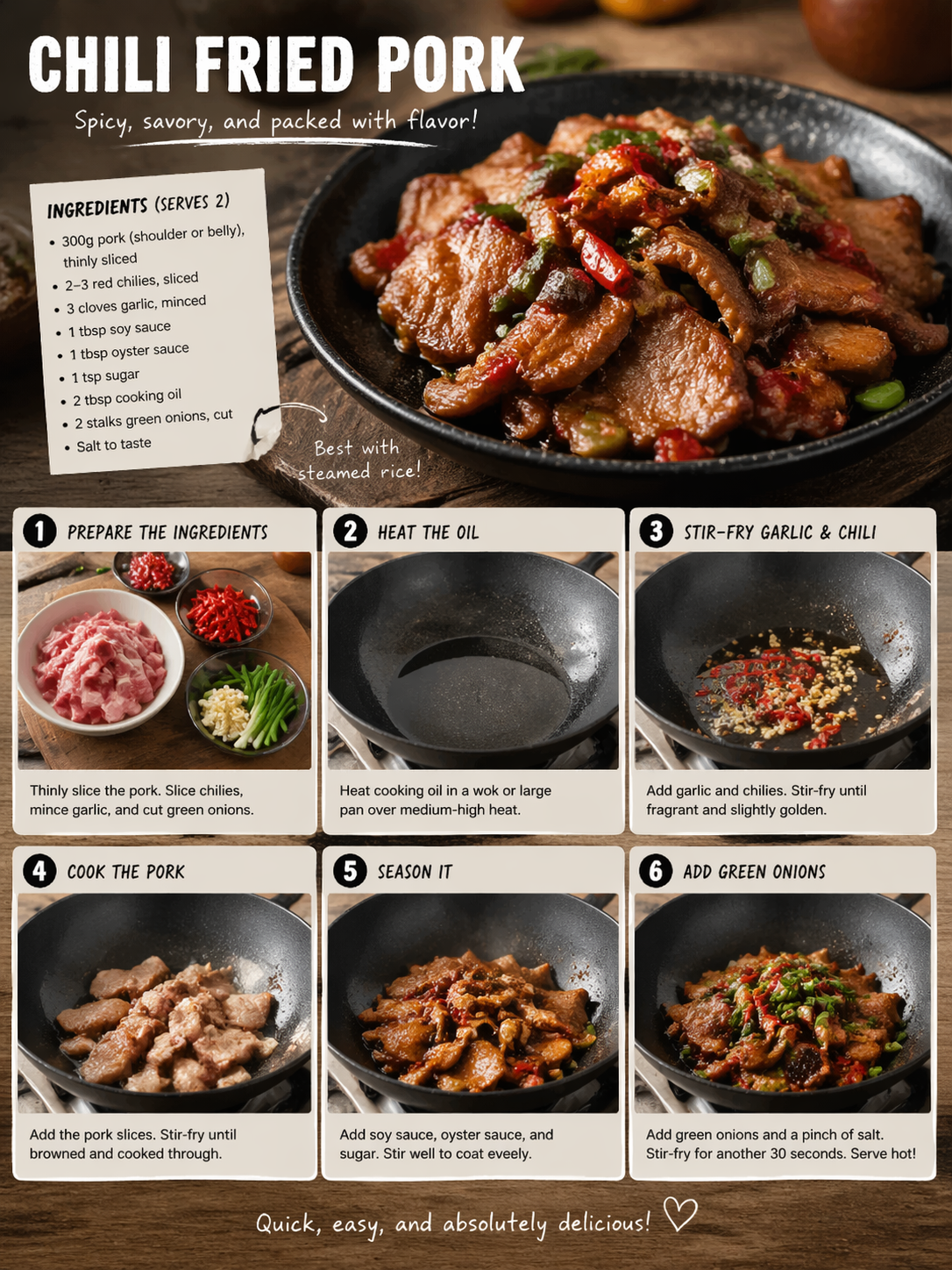
This Campaign-grade output quality stems from the model's profound understanding of real-world materials and lighting. By saving this as a Team Collaboration Preset, you can quickly apply it to other recipes like "Fish-Flavored Shredded Pork" or "Tomato and Egg Stir-fry," achieving assembly-line-level batch production.
Use Case 4: Hand-Drawn City Travel Guides
Want to create a travel guide poster that's both beautiful and informative? Consider it done.
Using "72-Hour City Tour" as an example, the prompt specified a watercolor hand-drawn texture, panda decorations, warm tones, along with daily itineraries and budgets. GPT Image 2 smartly integrated this dense information with hand-drawn illustrations, organizing everything down to map elements and queuing tips.
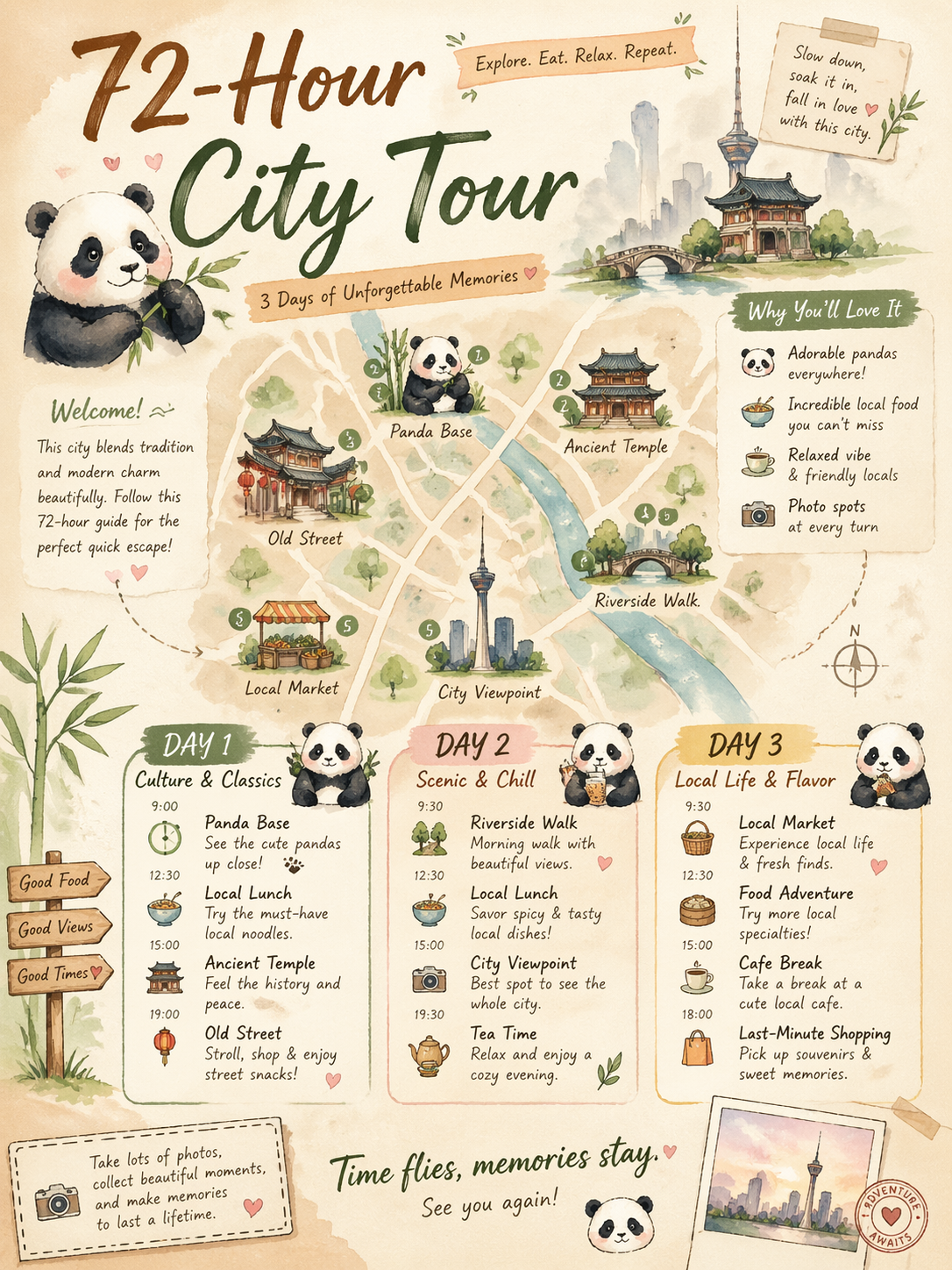
When dealing with such dense info graphics, using the web platform's inpainting and iteration features for detailed refinement remains an invaluable tool. If you change the template to "48 Hours in Xi'an" or "72 Hours in Dali," the visual vibe automatically shifts according to the city's characteristics. One template can easily cover the entire country.
Use Case 5: One-Click Full Brand Visual Assets
For commercial applications, GPT Image 2 combined with the gpt-image-2.live team-shared brand library feature demonstrates astonishing efficiency.
After setting up the brand's visual style (Shared brand style kits), you can instruct the AI to generate a unified set of materials in one go, including main visual posters, packaging designs, and social media covers. Take a premium tea brand with an "Oriental aesthetic" style as an example: the premium feel is perfectly captured.
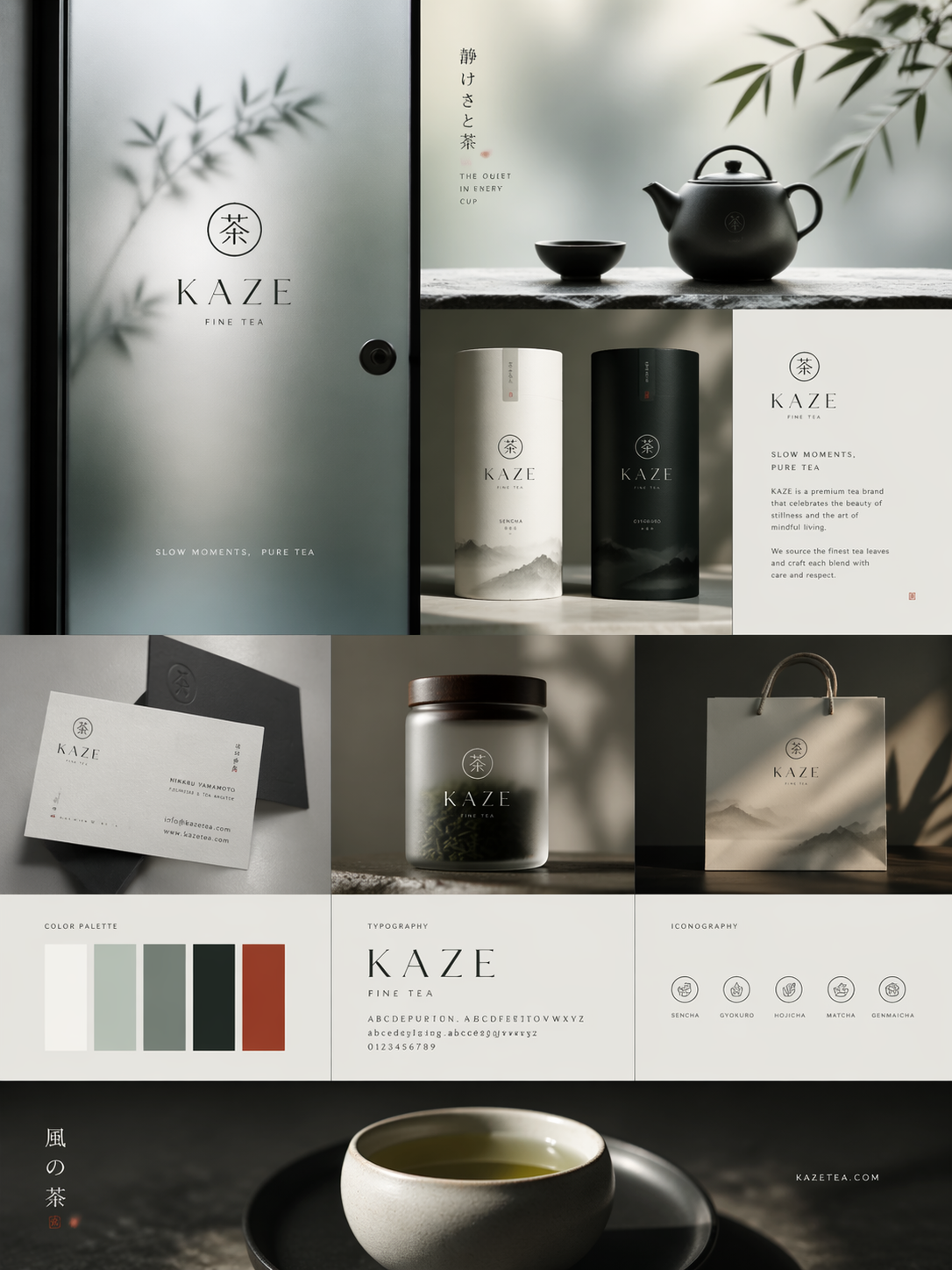
The platform ensures that within the same generation batch (Consistent Across Frames), the material, lighting, and environmental atmosphere of the main product remain highly consistent. If you need a more recognizable design, you can also leverage the powerful text rendering feature to embed exclusive brand typography directly into the poster, fundamentally avoiding font copyright risks.
Conclusion: Surpassing Previous Text Rendering and Native Quality
In summary, GPT Image 2 has finally conquered the "text spelling" hurdle in AI art generation. Whether it's tiny font sizes or dense multi-language layouts (Chinese, Japanese, Korean, Latin), it handles them with ease.
It natively supports generating high-resolution variants adaptable to multiple channels, relegating those obviously fake AI faces and textures to history.
GPT Image 2 gives AI the soul of "drawing accurately," while the GPT Image 2 Web Workflow (gpt-image-2.live) paves the way for "using it effortlessly." The combination of these two is undoubtedly a true efficiency cheat code for digital creators and production teams.
*Official Website Experience: https://gpt-image-2.live/*