GPT Image 2 vs Nano Banana 2: The Ultimate AI Image Generation Duel, Which Is Your Best Choice?
AI Review Lab
May 4, 2026
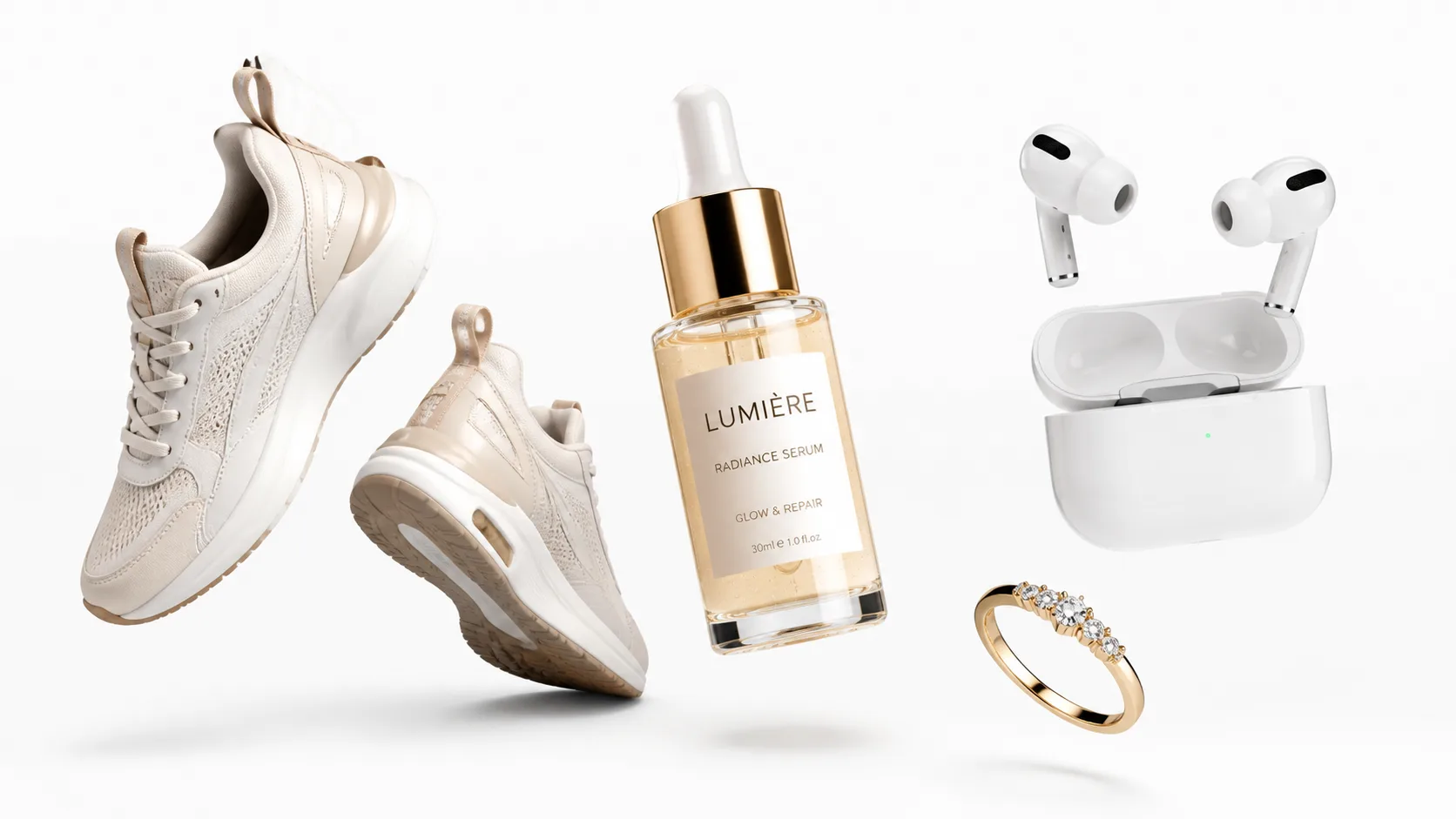
A comprehensive comparison between OpenAI's GPT Image 2 and Google's Nano Banana 2. Discover which AI image generation model fits your workflow best.
Two of the most powerful AI image generation models available today: one excels at precise finishing, the other at mass production. Choosing the wrong model could cost you ten times the efficiency.
Why You Need This Comparison
In the 2026 AI image generation landscape, the field has clearly narrowed down to two heavyweight contenders: OpenAI's GPT Image 2 and Google's Nano Banana 2 (corresponding to gemini-3.1-flash-image-preview).
The former leads overall preference in third-party blind tests, showing a distinct advantage especially in text rendering and complex layouts. The latter is defined by Google as "Flash-speed professional image generation," targeting multi-reference inputs, batch processing, and cost control.
The question is: For regular users and commercial teams, which one should you actually choose?
There is no standard answer to this question—it depends on what kind of images you are creating, how many you need, your budget, and your precision requirements. This article will break down the core capabilities of both models to help you find the one that best suits your needs.
Let's Look at the Basics: Specifications at a Glance
Before diving deep into the comparison, let's lay out the basic specifications of both models.
| Dimension | GPT Image 2 | Nano Banana 2 |
|---|---|---|
| Official Model Name | gpt-image-2 | gemini-3.1-flash-image-preview |
| Positioning | Currently the most powerful image generation model, highest performance, medium speed | Flash-level speed, high throughput, high efficiency |
| Output Size | Arbitrary size, longest edge ≤ 3840, total pixels limited between 650K and 8.3M | Fixed tiers: 512 / 1K / 2K / 4K |
| Aspect Ratio | Achieved through any valid dimensions, no enum limits | 14 preset ratios, from 1:8 to 8:1 |
| Output Format | PNG / JPEG / WebP, adjustable compression | Mostly returned as inline image |
| Transparent Background | Currently not supported | Not explicitly stated in documentation |
| Reference Images | Supports multi-image input, upper limit undisclosed | Up to 14 images (10 object references + 4 character consistency references) |
| Explicit Mask Editing | Supported, provides mask parameter | No equivalent mask parameter documented |
| Multi-turn Editing | Supported | Supported, requires retaining thoughtSignature |
| Batch Processing | Batch API, half price | Supports Batch, separate pricing |
| Fine-tuning | Not supported | Currently not supported |
| Content Credentials | C2PA + Imperceptible watermark | SynthID + C2PA |
A clear difference emerges from the spec sheet: GPT Image 2's advantages are concentrated in precise control (flexible sizing, mask editing), while Nano Banana 2's advantages lie in scaling capabilities (14 reference images, fixed-tier pricing, Batch).
First Battlefield: Image Quality
This is the question everyone cares about most—who generates better-looking images?
Let's look at third-party data first. On Artificial Analysis's blind test leaderboard, GPT Image 2 (high) has a text-to-image Elo of 1336, while Nano Banana 2 scores 1262; for image editing, their Elos are 1250 and 1229 respectively. GPT Image 2 indeed leads in overall preference.
But "overall preference" doesn't mean "better suited for your scenario." We need to break this down.
Where GPT Image 2 is stronger: Output quality in complex text-and-image scenes, precision in instruction following, and detail expression. OpenAI's official system card positions it as a significant upgrade in world knowledge, instruction following, and dense text.
Where Nano Banana 2 is stronger: Preserving real textures, high-fidelity product representation, and reference-image-driven commercial usability. In Google's enterprise cases, Whering used it to turn low-quality user photos into studio-grade assets while preserving real textures; WPP noted it is "highly promising" for high-fidelity product representation, compressing editing time from hours to seconds.
Conclusion: If you are creating high-information-density posters and design drafts, GPT Image 2 offers better overall quality. If you are creating reference-driven product scenes, Nano Banana 2's practical usability aligns better with workflows. On the question of "does it look good," the difference isn't as big as on "is it suitable."
Second Battlefield: Text Rendering
This is the most noticeable gap, and it is GPT Image 2's absolute domain of dominance.
OpenAI defined the core upgrade of GPT Image 2 directly as dense text—the ability to render dense text. Real-world tests in the community also highly focus on "typography is finally usable" and "complex layouts are deliverable." Whether it's long infographics, magazine covers, social media screenshots, or event posters, GPT Image 2 leads significantly in high-information-density tasks.
Nano Banana 2 is not weak. Google's official guide explicitly states it is suitable for clear and legible text, charts, posters, and product mockups, supporting multilingual localization. Community tests also confirm that it is visibly usable for mixed-language typography, menus, and price tags.
The real gap is in extreme density. When text becomes very small and hierarchies become very complex, Nano Banana 2's stability begins to drop. Google itself reserved higher-order text fidelity capabilities for Nano Banana Pro, rather than the Flash version.
Conclusion: If your core scenario involves text-heavy posters, complex infographics, and multi-level copy layouts—choose GPT Image 2, no contest. If it's just light copy, short slogans, or multilingual version migration, Nano Banana 2 is sufficient and cheaper.
Third Battlefield: Product Photography and E-commerce Images
The conclusion for this section isn't "who is stronger," but "who fits your specific process better."
You have a real product base image and need precise editing
This is GPT Image 2's home ground.
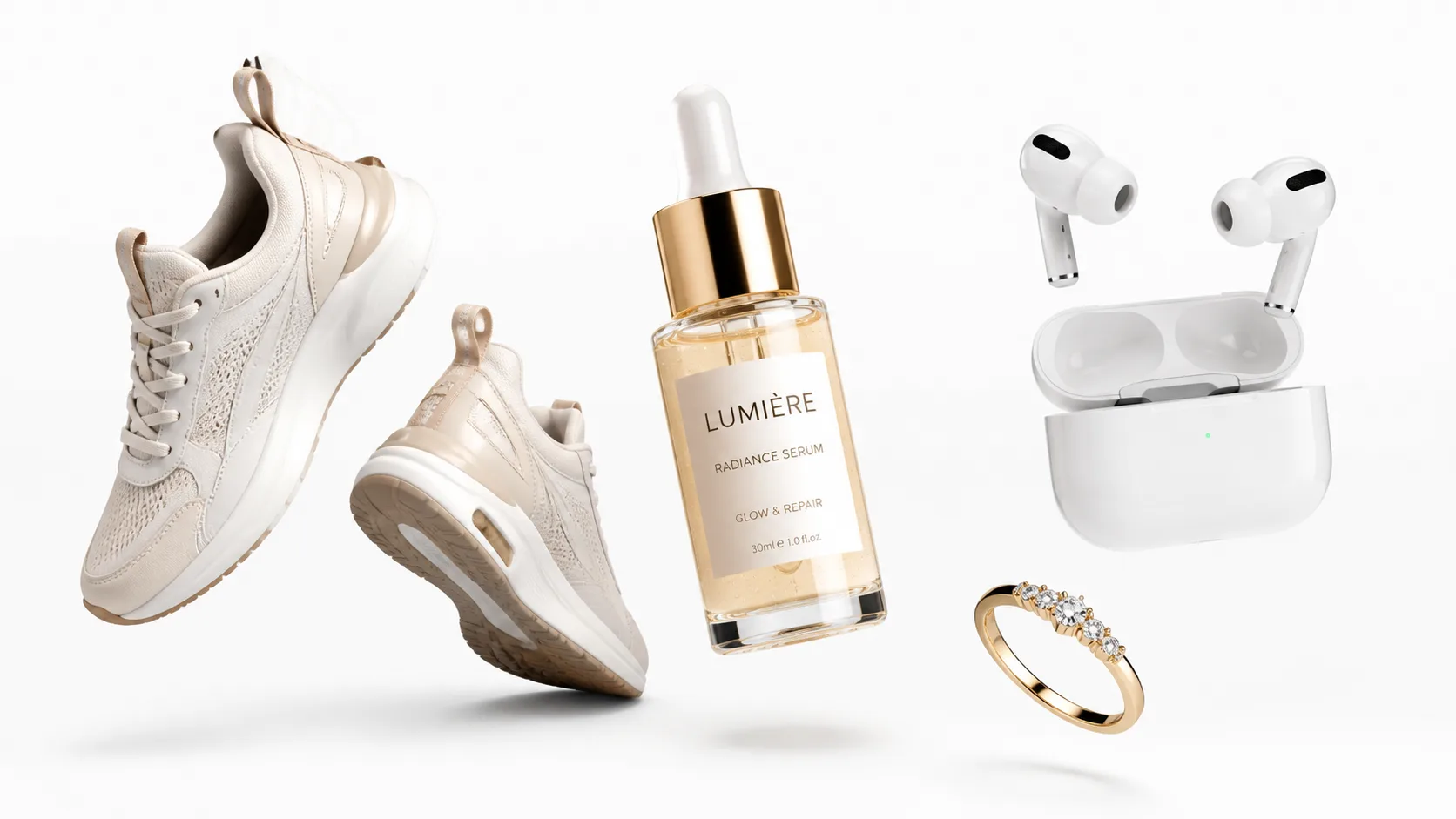
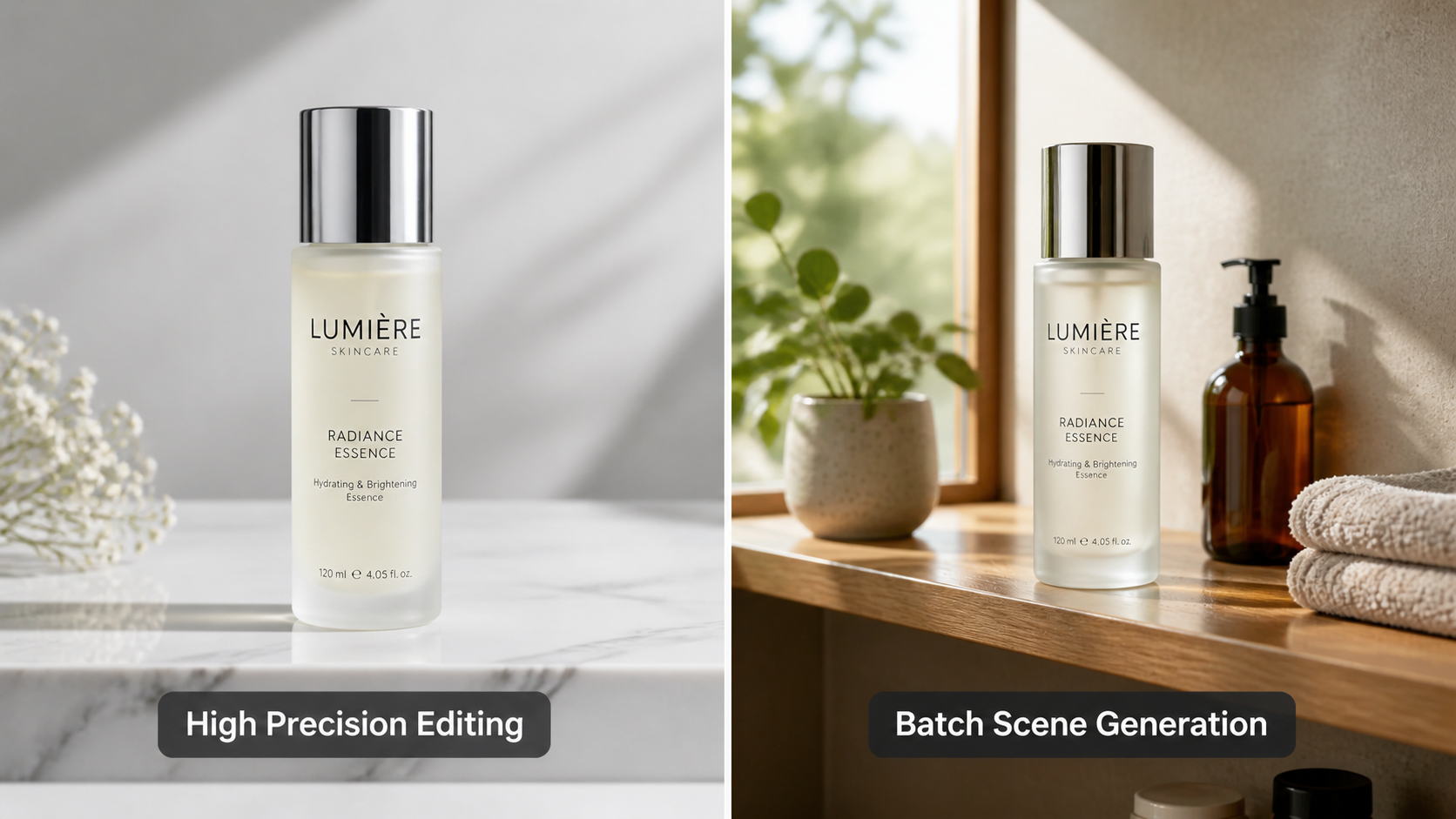
It supports explicit mask editing—you can upload a master product image, use a mask to circle the areas to be modified (like the background, tabletop, or lighting), and change only those areas while completely preserving the product body. This is crucial for protecting brand colors, bottle proportions, packaging edges, and logo placements.
Nano Banana 2 also supports editing, but current public documentation doesn't provide an equivalent mask parameter. Its editing is more like "conversational modification"—if you say "change the background to a bathroom," the model re-renders the entire image, and the product body might be subtly altered.
You lack a perfect base image and need bulk SKU generation
This is Nano Banana 2's home ground.
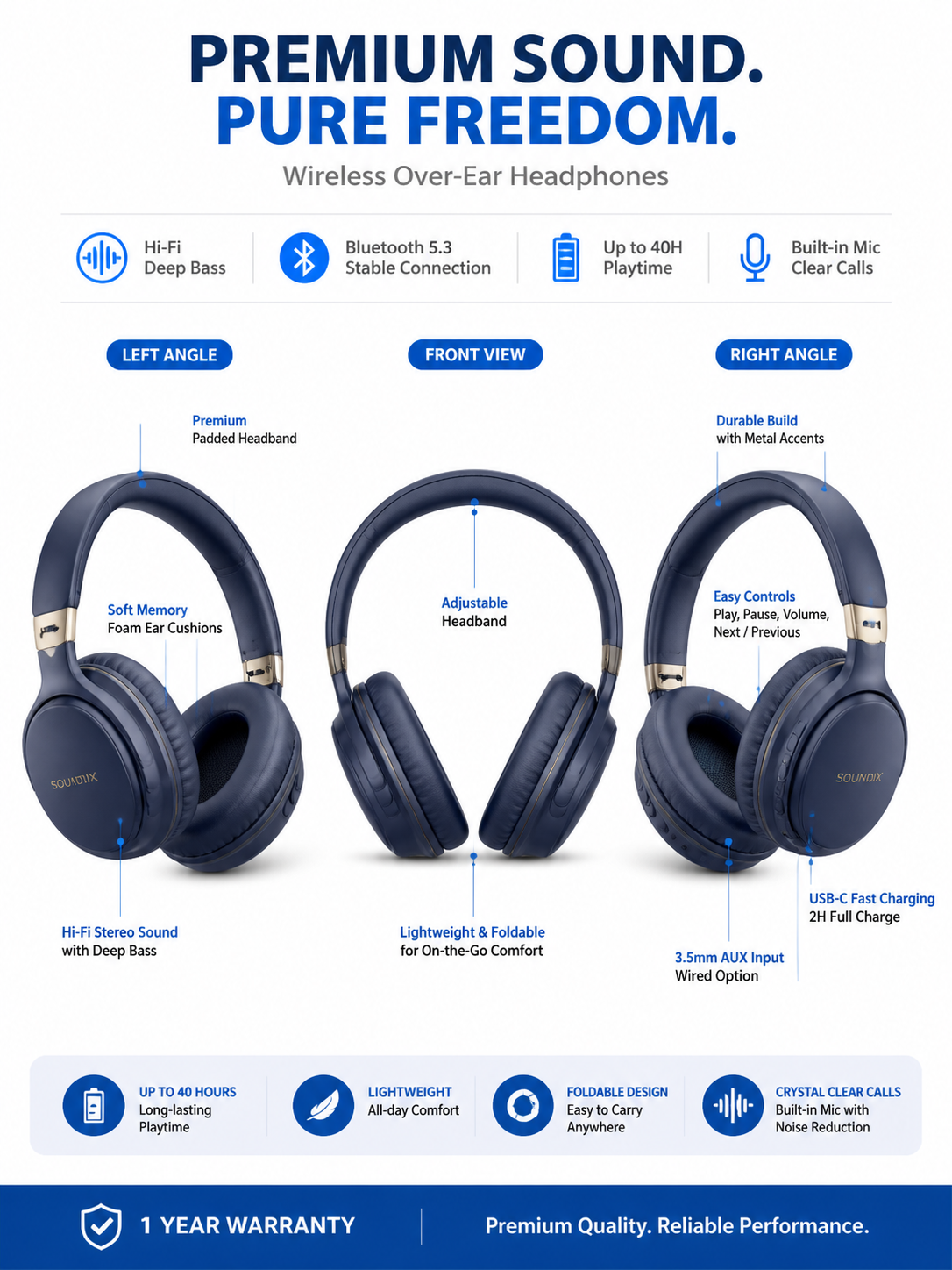
It supports inputting up to 14 reference images simultaneously, 10 for high-fidelity object reference and 4 for character consistency reference. You can feed it the front, side, material close-up, and brand color palette of the same SKU, and have it generate a unified set of images.
Additionally, Google offers fixed per-image pricing for 1K/2K/4K, with even lower prices in Batch mode—this is highly friendly for an e-commerce team's budget management.
GPT Image 2's pricing is token-based, which is flexible but not intuitive. A 1K square image at the low tier costs about $0.008/image, which isn't expensive compared to Google's 1K Batch at $0.034/image. However, once you use the high tier and high-fidelity inputs for the editing workflow, costs escalate quickly.
Fourth Battlefield: Speed and Scaling
Nano Banana 2 has a clear advantage in speed and throughput.
Google repeatedly defines this model using terms like "Flash-level speed," "rapid interactive response," and "high throughput." Its entire design philosophy is "fast, efficient, and scalable." For an e-commerce team that needs to process hundreds of SKUs at once, this advantage is tangible.
GPT Image 2 is labeled by OpenAI as "Speed: Medium." It's not slow, but in large-scale batch processing scenarios, Nano Banana 2's positioning is a better match.
Both support the Batch API and asynchronous batch processing. However, Nano Banana 2's fixed pricing tiers make batch costs much easier to predict.
Fifth Battlefield: Security, Compliance, and Data Privacy
This aspect is often overlooked, but it can be decisive for commercial teams.
Content Credentials: Both companies are strengthening provenance tracking. OpenAI uses C2PA + Imperceptible watermark, while Google uses SynthID + C2PA. However, both admit these metadata aren't foolproof—actions like uploading to social platforms or taking screenshots can remove the credentials.
Data Usage: There is a significant difference here:
- OpenAI: By default, APIs and enterprise products do not use your inputs and outputs to train models unless you explicitly opt-in.
- Google: Paid services do not use your data to improve products; however, for free services, AI Studio, or Gemini API free tiers, Google may use the content to improve products, and human review may occur.
If you are handling unreleased product images, packaging proofs, or trade secrets, this is a procurement-decision-level difference.
Intellectual Property: Both sets of terms are straightforward—you own the output, but you are responsible for the consequences of its use. If a product image contains accurate logos, trademarks, legal copy, barcodes, or nutritional fact panels, you shouldn't publish the purely generated results directly. The safest approach is always to use real packaging as input, letting the model only handle the background, lighting, and scene.
Let's Do the Math: Who is Cheaper?
| Scenario | GPT Image 2 | Nano Banana 2 |
|---|---|---|
| 1K Square, Draft Quality | low ≈ $0.008/image | 1K Batch ≈ $0.034/image |
| 1K Square, Final Quality | medium ≈ $0.032/image | 1K Standard ≈ $0.067/image |
| 2K Vertical, Final Quality | medium ≈ $0.048/image | 2K ≈ $0.101/image |
| 4K High Precision | high ≈ $0.125-0.187/image | 4K ≈ $0.151/image |
| Batch Discount | Batch API -50% | Batch has separate lower pricing |
An easily overlooked fact: GPT Image 2 is not expensive at the low/medium tiers, and is even cheaper than Nano Banana 2's Batch at the draft level. What really widens the gap is the input token cost of the high tier and editing workflows.
Nano Banana 2's advantage is transparent, predictable pricing. How much 1K, 2K, or 4K costs is clear at a glance. For e-commerce teams needing precise budgeting, this is much more practical than "guessing costs by tokens."
A Decision Matrix
Condensing all the above dimensions into a single table:
| Your Core Need | Recommendation | Reason |
|---|---|---|
| Text-heavy posters, complex infographics | GPT Image 2 | Leading dense text capability, more stable text rendering |
| Multi-SKU bulk e-commerce images | Nano Banana 2 | 14 reference images, Batch, fixed pricing, high throughput |
| Precise editing based on real product images | GPT Image 2 | Supports explicit mask, high-fidelity input |
| Multilingual version migration | Nano Banana 2 | Multilingual localization, reference-driven consistency |
| Low-cost bulk exploration | Nano Banana 2 | Lower Batch price, more predictable costs |
| High-quality final rendering | GPT Image 2 | Better overall quality at the high tier |
| Brand visual consistency | Both Work | Both require using real reference images as anchors; generated results cannot be blindly trusted |
Final Advice
If you can only remember one sentence:
Choose Nano Banana 2 for mass production and scaling efficiency, and GPT Image 2 for text rendering and precise finishing.
If you can remember two sentences, add this:
The smartest teams don't choose one over the other; they use both—Nano Banana 2 for frontend bulk exploration and localization, and GPT Image 2 for backend final polishing and text posters.
If you want to verify these conclusions yourself, you can run a comparison using the same prompt on both models. To experience GPT Image 2's capabilities, visit gpt-image-2.live; to try Nano Banana 2, you can get hands-on directly via Google AI Studio.
True knowledge comes from practice; someone else's review is never as good as your own ten comparison images.